The holiday season is the busiest time for creators, small business owners, and social media managers. In 2026, cute Christmas aesthetics—think kawaii characters, pastel color palettes, coquette bows, and glossy 3D illustrations—are dominating feeds across Instagram, Pinterest, and TikTok.
But hunting for the perfect Christmas graphic in Canva’s massive library can feel overwhelming. That’s where Canva element codes come in.
Canva element codes are unique identifiers that unlock curated design sets instantly. Instead of scrolling through thousands of generic snowflakes, you can paste a code and access an entire collection of cohesive, professionally designed Christmas assets.
In this guide, we’ve compiled the ultimate list of cute Christmas Canva element codes for 2026, organized by style and use case. Whether you’re designing holiday party invitations, Etsy shop banners, or Instagram Reels covers, these codes will save you hours and elevate your designs.
What Are Canva Element Codes?
Canva element codes are alphanumeric identifiers assigned to specific design sets, illustrations, or individual graphics within Canva’s library. They typically follow this format:
set:nAGVaCICsTg
When you paste a code into Canva’s Elements search bar, it pulls up the exact asset or collection associated with that code. This is especially useful for:
- Accessing premium-style graphics that are harder to find through keyword searches
- Finding cohesive design sets that match a specific aesthetic
- Saving time by skipping endless scrolling
Pro Tip: Canva element codes work for both free and Pro users. While some assets may require a Canva Pro subscription, many are available on the free plan.
How to Use Canva Element Codes (Step-by-Step)
Using element codes is simple, even if you’re new to Canva:
- Open Canva and start a new design (or open an existing one)
- Click on the Elements tab in the left sidebar
- Paste the code into the search bar at the top
- Press Enter — the full element set will load instantly
- Click on any graphic to add it to your design
You can also combine codes with keyword searches. For example, after loading a cute Santa set, search “pink background” to build a complete scene.
A Note on Element Ownership
Before diving in, it’s important to address creator attribution. Canva hosts millions of elements from thousands of independent artists, design studios, and in-house creators. While some element sets clearly credit the artist (e.g., @adalinstudio, @vectortradition), most Canva element codes do not publicly display the individual creator’s name in the search results or element metadata visible to users. When the creator is known, I’ve listed them. When unknown, I’ve noted them as “Canva Marketplace Contributor.”
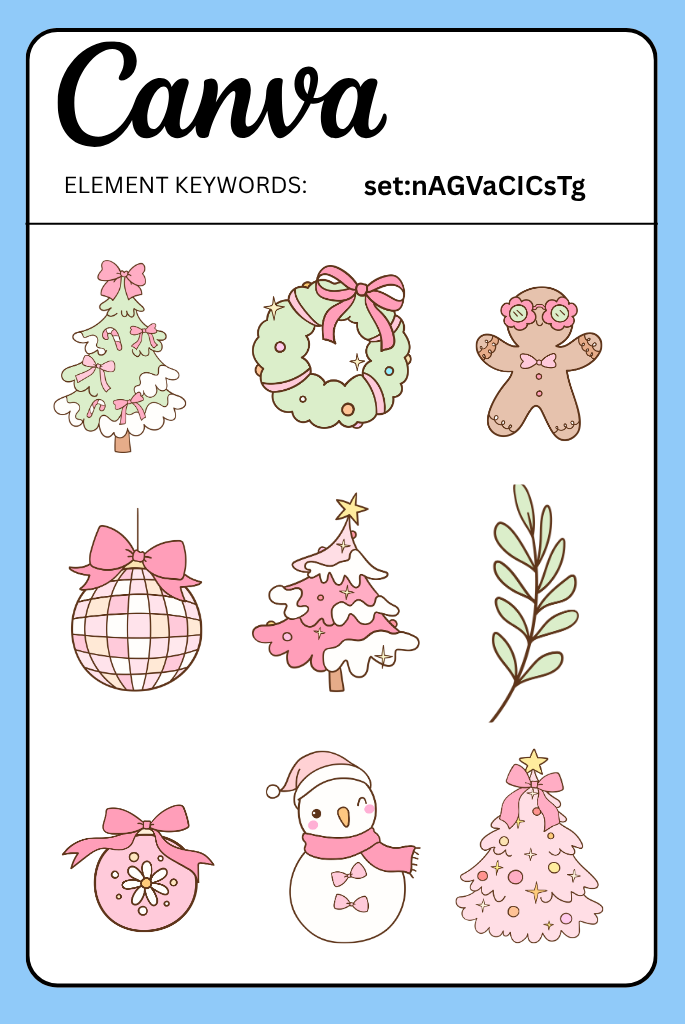
1. Pink Coquette Christmas Elements
Code: set:nAGVaCICsTg
Soft pink Christmas graphics featuring bows, ornaments, and feminine holiday motifs in a coquette aesthetic.
How to Use:
Paste into the Elements search bar, then drag individual graphics onto pastel backgrounds. Layer with lace textures.
Best For:
Instagram story templates, Etsy shop banners, coquette-themed holiday party invites, planner stickers.
Owner/Creator: @anchaleear
2. Christmas Doodles
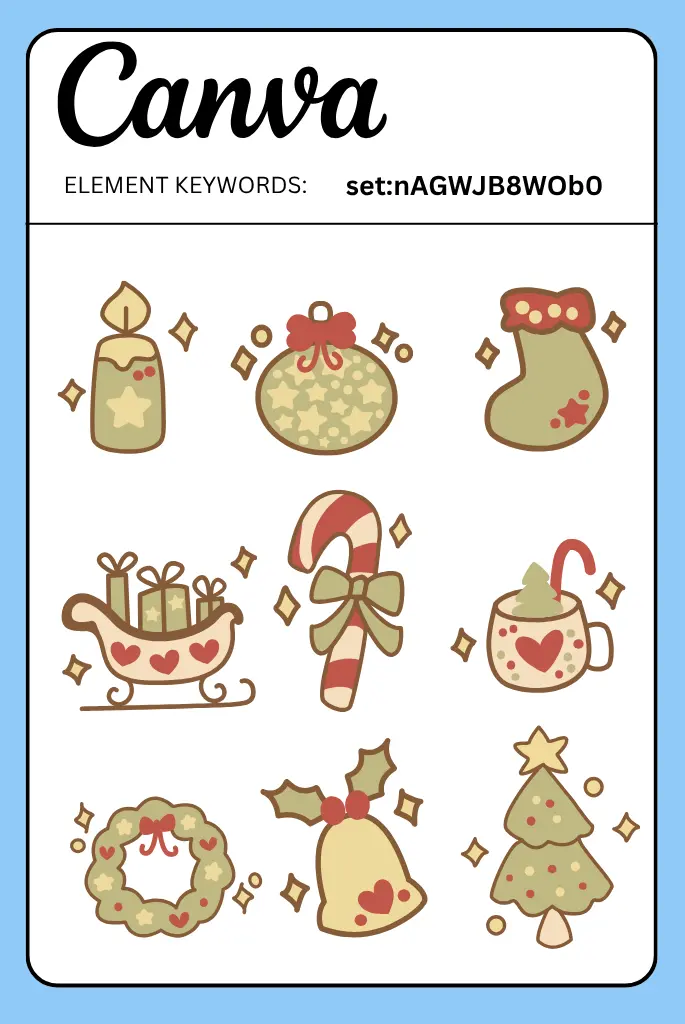
Code: set:nAGWJB8WOb0
Hand-drawn sketch-style Christmas doodles including trees, stars, gifts, and snowflakes in a loose, playful style.
How to Use:
Use as corner accents or scatter across white/minimal backgrounds. Pair with handwritten fonts.
Best For:
Bullet journals, casual social media posts, kids’ craft printables, classroom decorations.
Owner/Creator: @kmst-collection
3. Cute Rudolph Elements
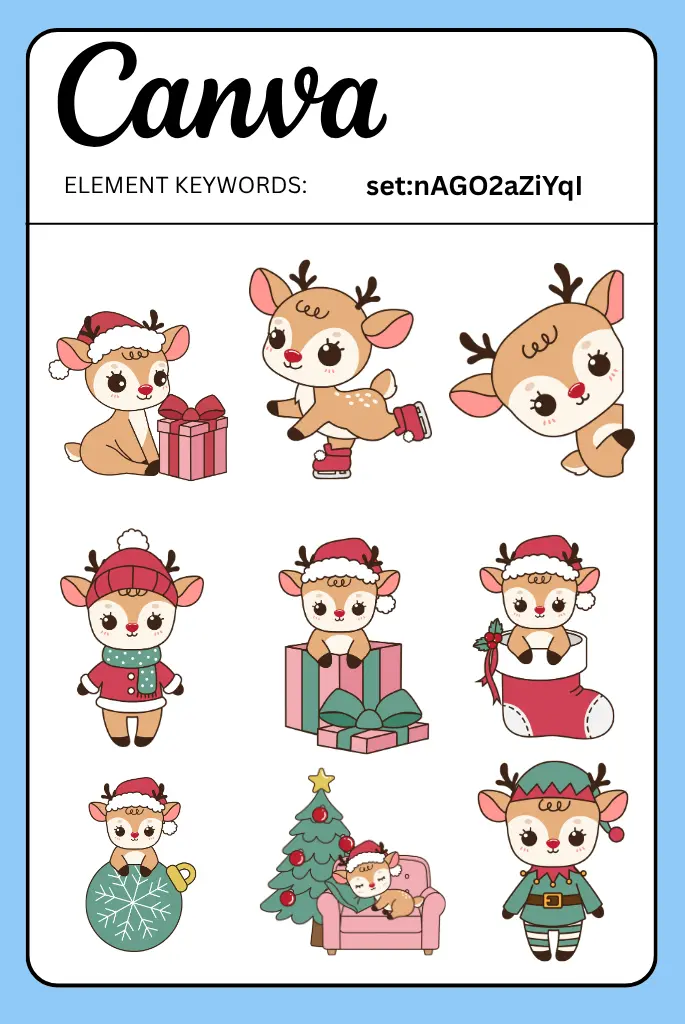
Code: set:nAGO2aZiYqI
Adorable reindeer illustrations featuring Rudolph with a big red nose, antlers, and festive accessories.
How to Use:
Place as a central character in your design. Add a speech bubble for quotes or sale announcements.
Best For:
Children’s Christmas cards, nursery decor printables, school newsletters, kids’ party invites.
Owner/Creator: @isaree-s
4. Illustrated Pink Christmas Graphics
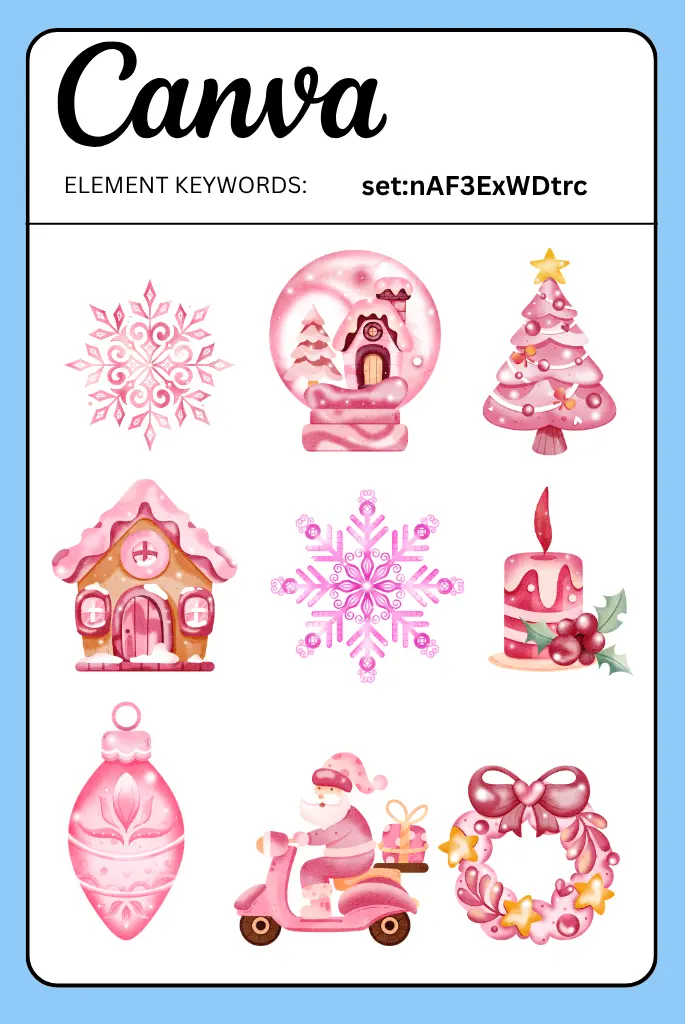
Code: set:nAF3ExWDtrc
Detailed pink-toned Christmas illustrations with a modern, artistic flair.
How to Use:
Use as hero images on Pinterest pins or blog headers. Combine with gold foil text effects.
Best For:
Beauty brand holiday campaigns, lifestyle blog graphics, feminine product packaging.
Owner/Creator:
5. Christmas Graphics (Hand-Drawn)
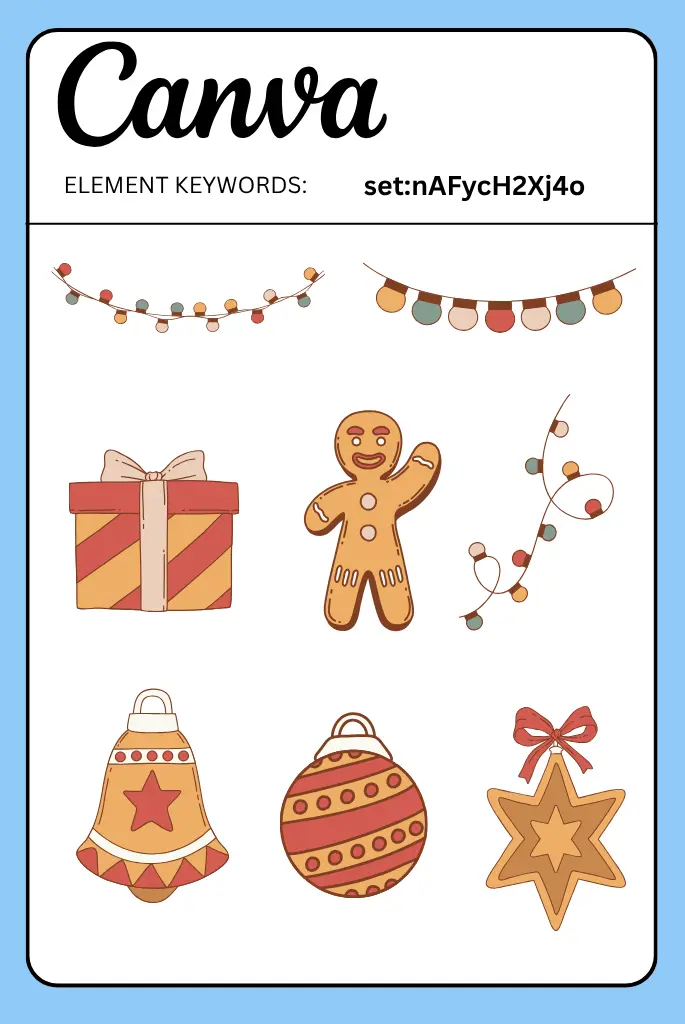
Code: set:nAFycH2Xj4o
A broad collection of hand-drawn Christmas graphics including wreaths, stockings, and candles.
How to Use:
Mix and match elements to build custom scenes. Adjust colors to match your brand palette.
Best For:
Holiday newsletters, church event flyers, rustic-themed social media content.
Owner/Creator: @dedocistudio
6. Textured Christmas Elements
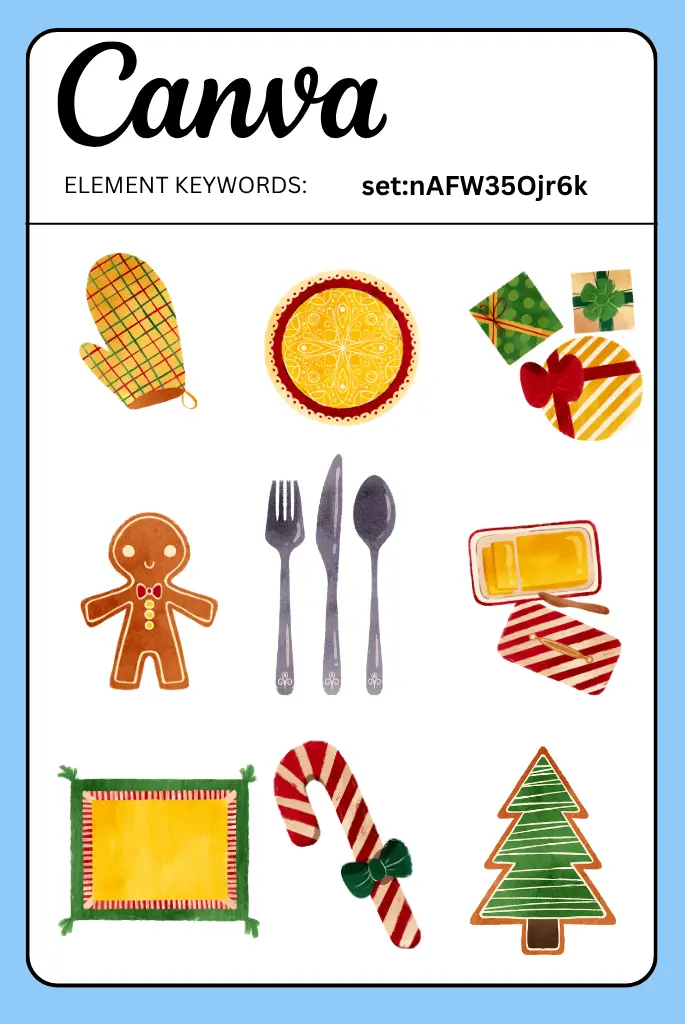
Code: set:nAFW35Ojr6k
Christmas graphics with grainy, textured finishes giving a tactile, printed feel.
How to Use:
Layer over kraft paper backgrounds for a vintage look. Add drop shadows for depth.
Best For:
Printable gift tags, holiday greeting cards, scrapbook pages, Etsy physical products.
Owner/Creator: @sketchify
7. Retro Christmas Elements
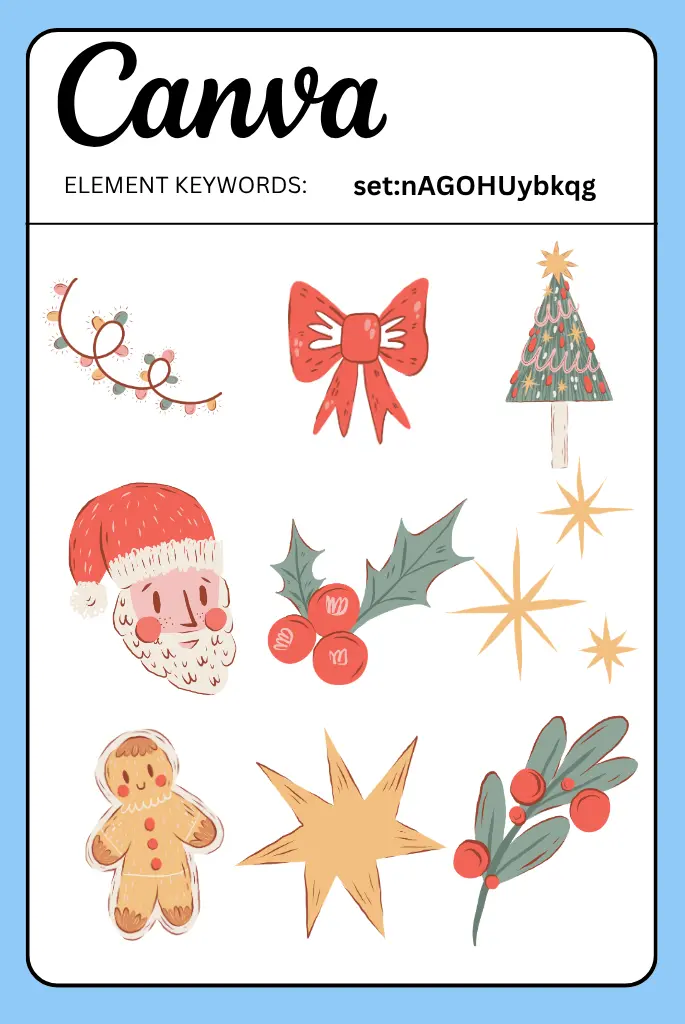
Code: set:nAGOHUybkqg
Nostalgic 1970s-80s style Christmas graphics with groovy colors and shapes.
How to Use:
Pair with retro fonts like Cooper Black or chunky serifs. Use mustard, avocado, and burnt orange tones.
Best For:
Vintage-themed party invites, throwback social media campaigns, holiday t-shirt designs.
Owner/Creator: @annomaria
8. Simple Christmas Graphics
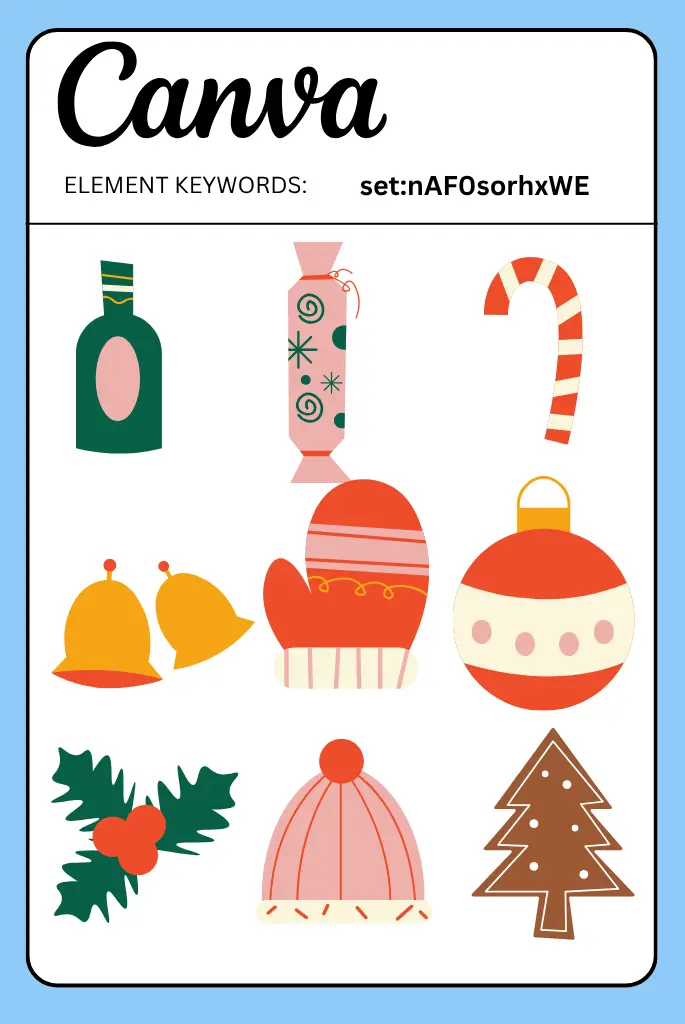
Code: set:nAF0sorhxWE
Minimal, clean-lined Christmas icons and illustrations without excessive detail.
How to Use:
Use at small sizes for icon sets, or enlarge for minimalist poster designs.
Best For:
Corporate holiday cards, clean website graphics, minimal Instagram feeds, app icons.
Owner/Creator: @graphikmono
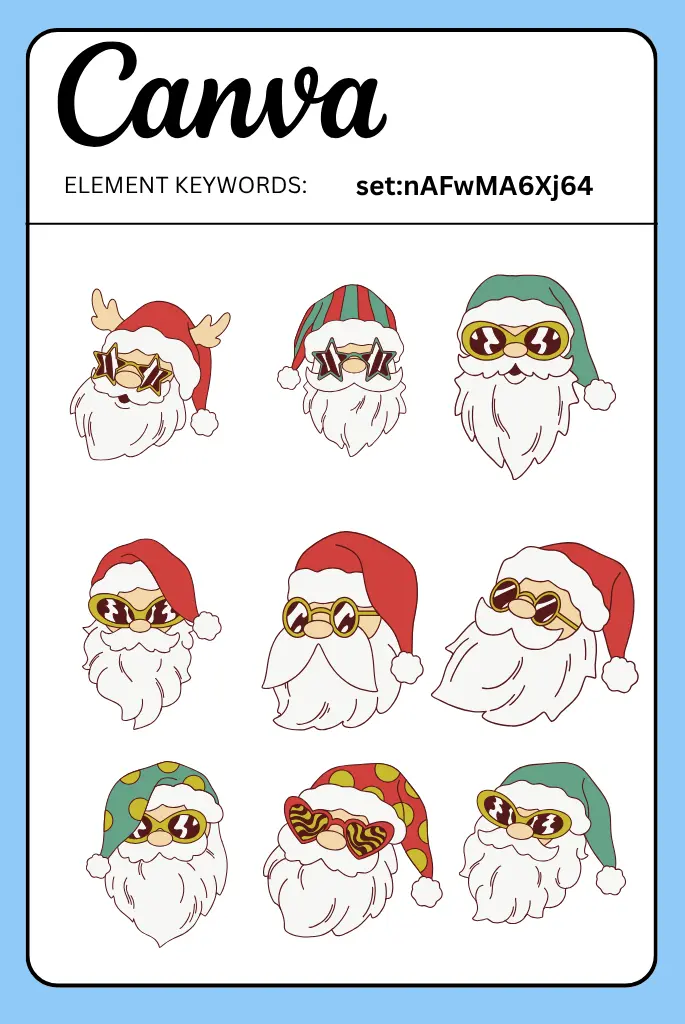
9. Groovy Santa Elements
Code: set:nAFwMA6Xj64
Fun, psychedelic-style Santa Claus illustrations with bold colors and playful poses.
How to Use:
Make Santa the focal point. Surround with wavy lines and starbursts.
Best For:
Youth-focused holiday events, trendy clothing brand graphics, TikTok video covers.
Owner/Creator: @dedocistudio
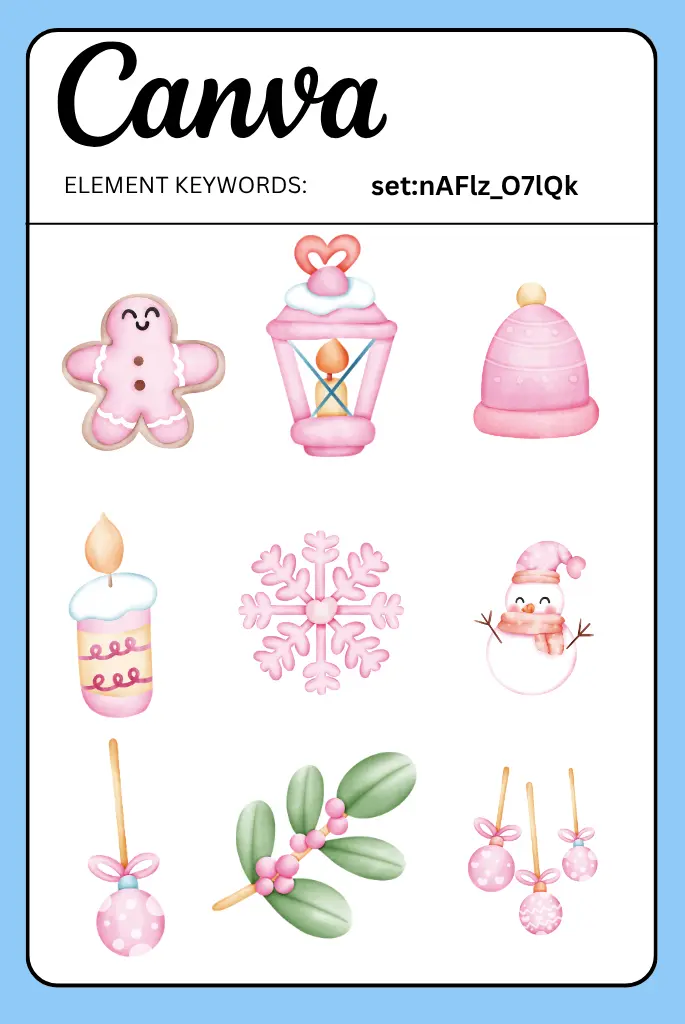
10. Cute Pink Christmas Illustrations
Code: set:nAFlz_O7lQk
Soft pink Christmas scenes with cute characters, candy canes, and pastel trees.
How to Use:
Build a full scene by combining multiple elements. Add a pink gradient background.
Best For:
Coquette aesthetic content, pink-themed holiday branding, digital planner decorations.
Owner/Creator: @joejoestocks-images
Final Thoughts
The holiday season moves fast, and your design workflow shouldn’t slow you down. With these cute Christmas Canva element codes, you have everything you need to create professional, on-trend holiday graphics in minutes.
From kawaii cats and pastel Santas to 3D snowmen and gingerbread alphabets, these curated collections will help your designs stand out in a sea of generic red-and-green clip art.
Bookmark this guide now and come back whenever you need a fresh dose of Christmas creativity. Happy designing! 🎄✨